
How do I log in to the Provider Portal?
You'll need the email address and password you registered with to access the portal.
1
Open the Provider Portal
Navigate to the Provider Portal using the link provided by Astrana Health.
Link: https://provider-portal.astranahealth.com/login
2
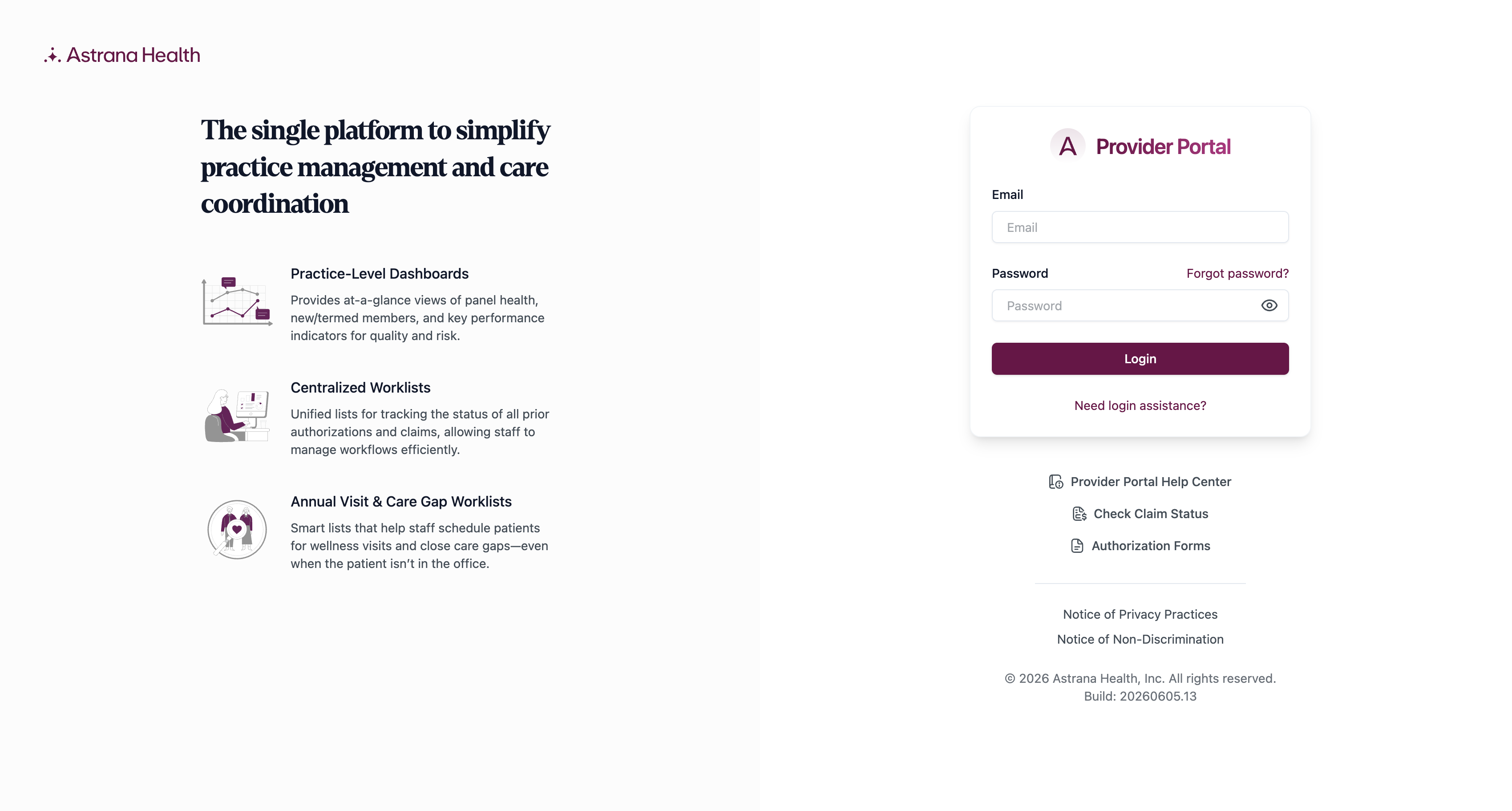
Enter your credentials
Enter your Email Address and Password, then click Log In.
3
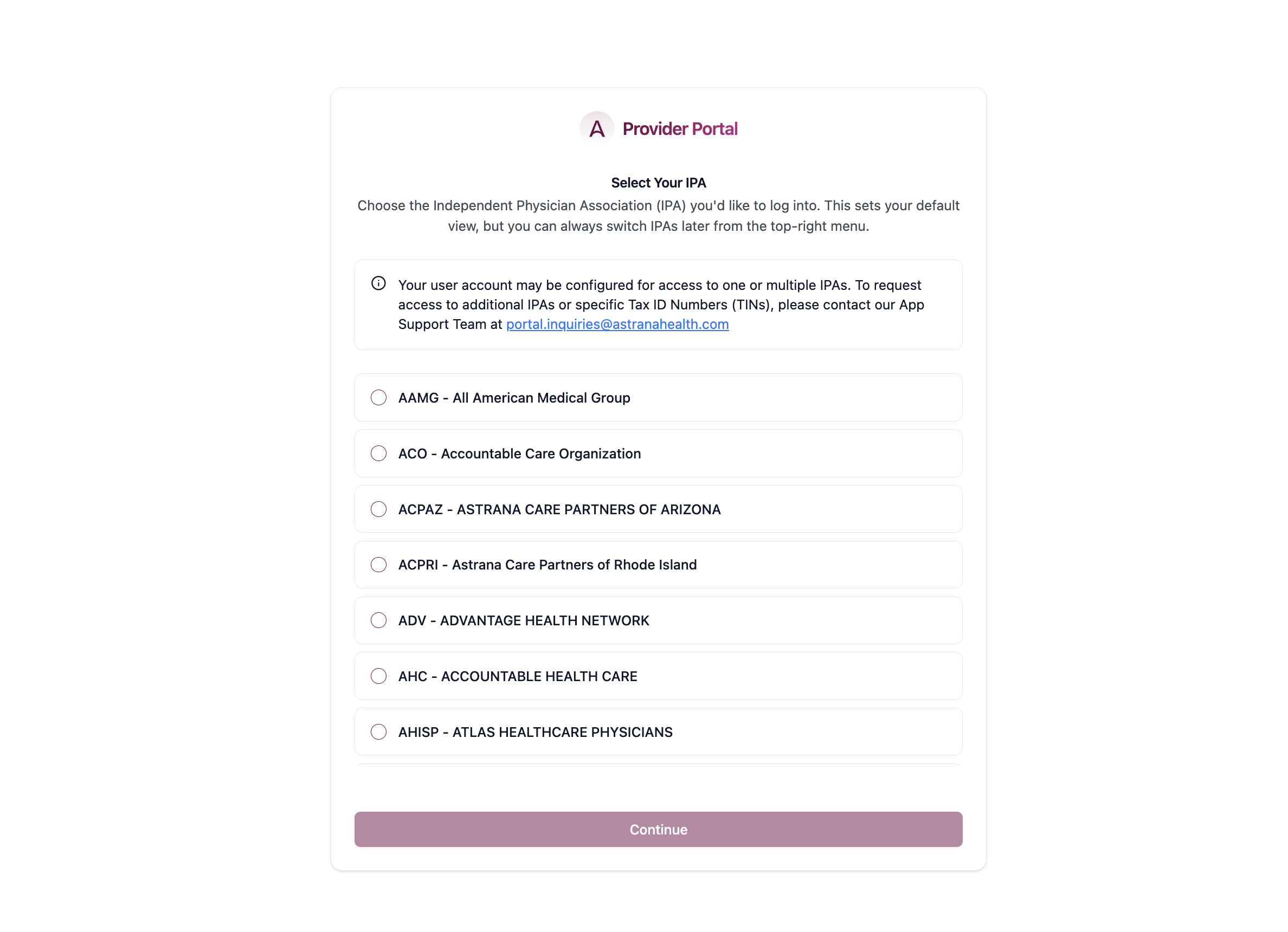
Select your IPA
Once logged in, navigate to the upper right of the page and select the IPA you would like to access. If you don’t see the IPA you need, contact ProviderRelationsDept@AstranaHealth.com to have it added to your account.
Was this helpful?
On this page
1
Open the Provider Portal
2
Enter your credentials
3
Select your IPA
Still need help?
Our Provider Relations team can help with authorization questions and complex cases.
Contact Provider Relations